

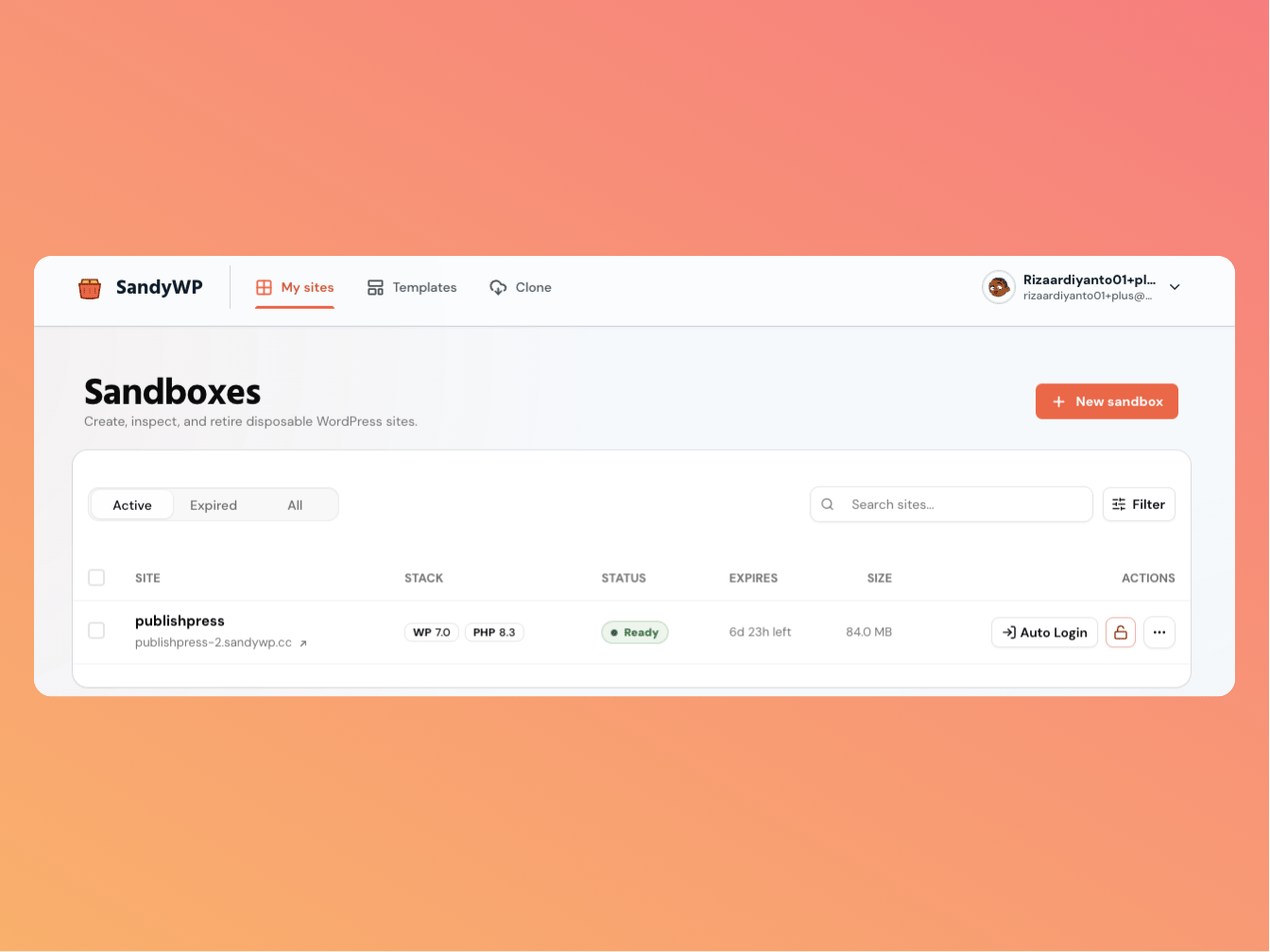
These ideas explain how SandyWP works. They also make the choices in the create form easier to understand. The Sandboxes dashboard showing a site's stack, status, and expiry

Sandbox

A sandbox is a real, isolated WordPress installation. It has its own database, wp-content files, and public URL, so a broken plugin in one sandbox does not affect another. Sandboxes are disposable by default. They expire and are removed unless you choose a longer lifespan or make one permanent on a paid plan.

Slug and URL

Every sandbox has a unique slug that becomes part of its URL, such as my-site.sandywp.dev. The CLI accepts either the slug or the site ID. If a name is unavailable or you leave it blank, SandyWP adds or generates a suffix to keep the slug unique. The display name remains a human-friendly label.

Stack

Every sandbox runs WordPress with a PHP runtime. The default setup uses the latest WordPress release and PHP 8.3, and you can choose supported versions when creating a sandbox. You can later switch the PHP version or tune supported php.ini values. See PHP settings for the dashboard workflow.

Lifecycle and expiry

Guest sandboxes expire after seven hours. Account-owned sandboxes default to one week, and you can choose from one hour through one month; paid plans also support permanent sandboxes. An expired sandbox remains visible during a short retention window but is not running. After the window, its container, database, files, and route are permanently removed. Read Lifespan and permanence before an important sandbox expires.

Plans and limits

Your plan controls your active-sandbox limit, total storage allowance, and access to permanent sandboxes. Workspace plans pool the applicable limits across their members. The dashboard shows current usage. See Plans and limits for the current allowances and billing workflow.

Templates and Blueprints

A template is a snapshot of a finished sandbox, including its stack, files, database, plugins, themes, and content. Create a new sandbox from a template when launch speed and an exact starting state matter. A Blueprint is an editable JSON build plan. Use a Blueprint when the setup itself should be reviewed, versioned, or rerun; use a template when you need a fast snapshot restore.

Regions

Sandboxes run on workers in available regions. Choose Auto to use the best available region, or select a specific region when that is important for your work. Regions can be unavailable when capacity is full. The create form shows which choices can be selected.

API keys

A personal API key authenticates the CLI and full REST API. It has full access to the account, so create a separate key per tool or environment and revoke unused keys. For an MCP connection, use its scoped OAuth approval flow instead of sharing a personal key. See API keys for details.