

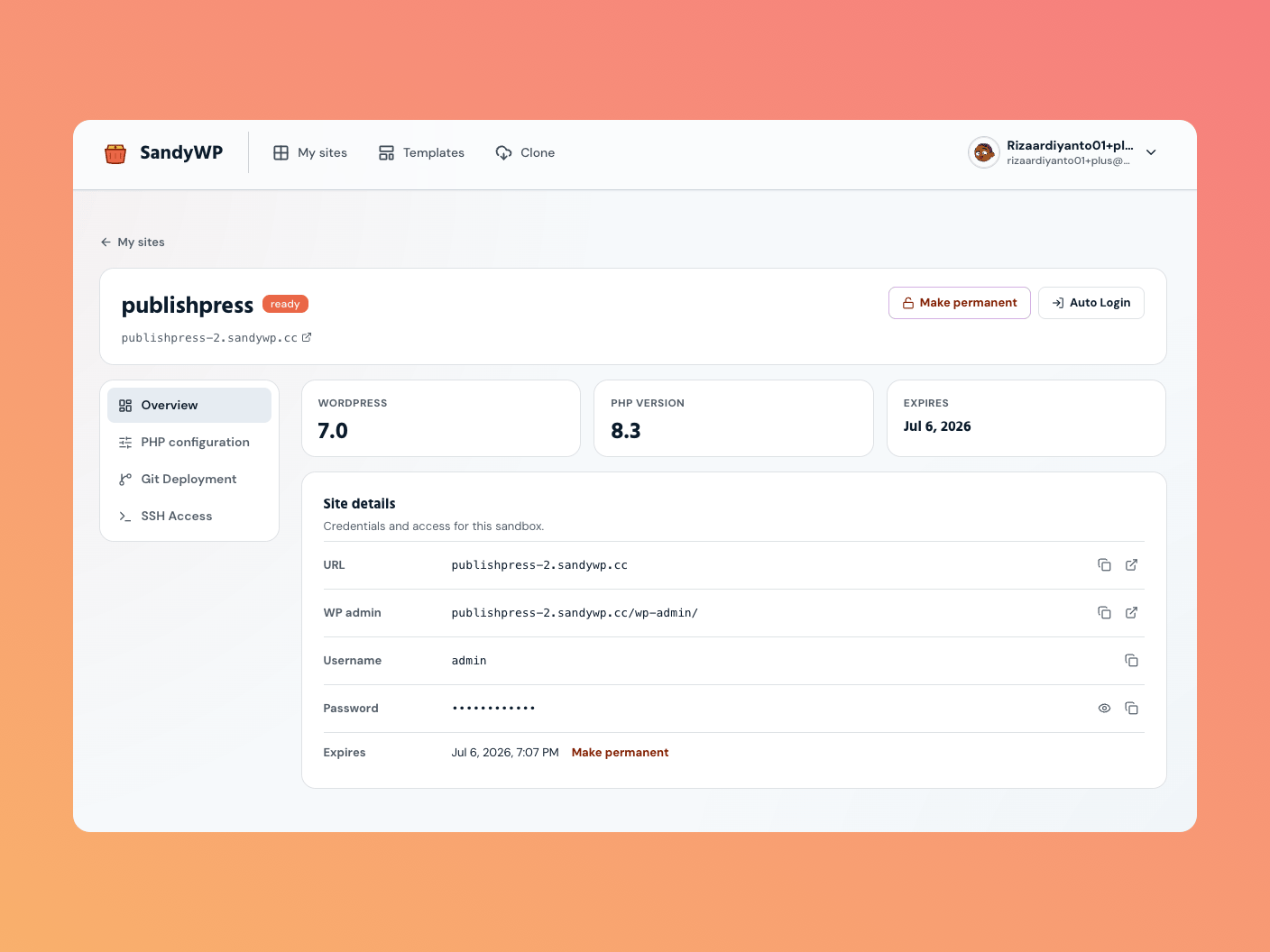
Use Auto Login
On aready sandbox, choose Auto Login in the dashboard or on the detail page. The link opens wp-admin as the sandbox administrator.
Treat a magic login link like a password. It works until the sandbox expires, so do not post it in a public channel or commit it to a repository.
Copy a login link
Open the sandbox row’s … actions menu and choose Copy login link. This creates a fresh link for another browser or a trusted teammate.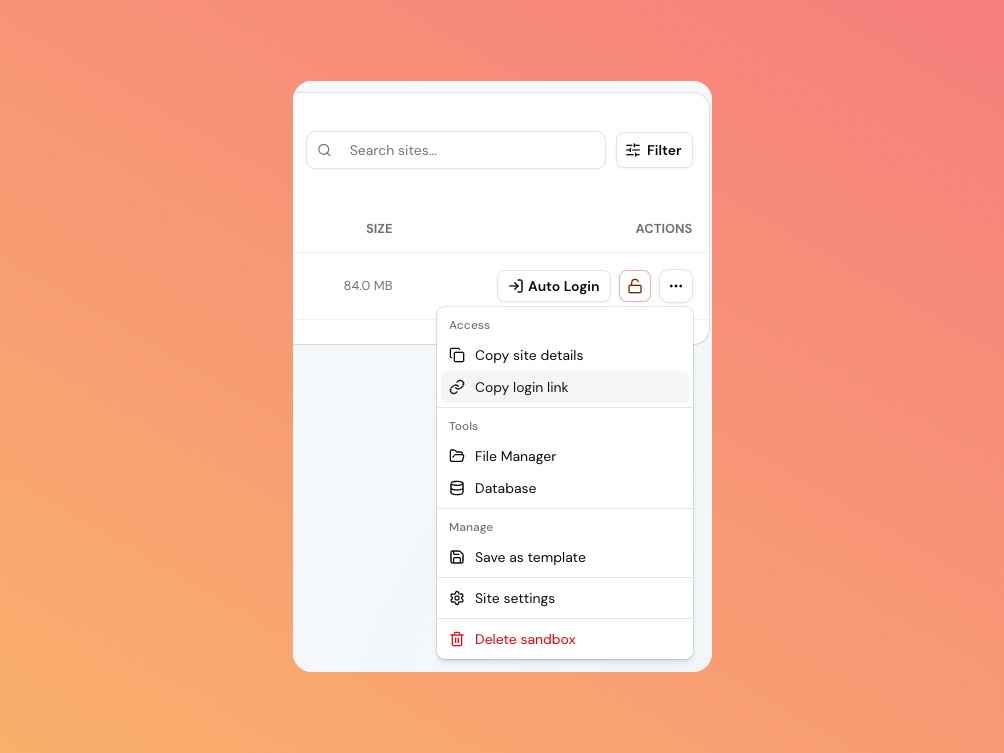
Use the username and password
Choose Copy site details in the actions menu to copy the admin URL, username, and password together. Or open Site settings and reveal each value under Site details. The administrator normally lives at/wp-admin/, and the default username is admin. Use File Manager or Database once you are signed in.