

Default lifespans
Use the Site lifespan field in Advanced settings when you create the sandbox. See Create a sandbox for the full form.
Make a sandbox permanent
On the dashboard, click the open lock on the sandbox row. You can also open the detail page and select Make permanent.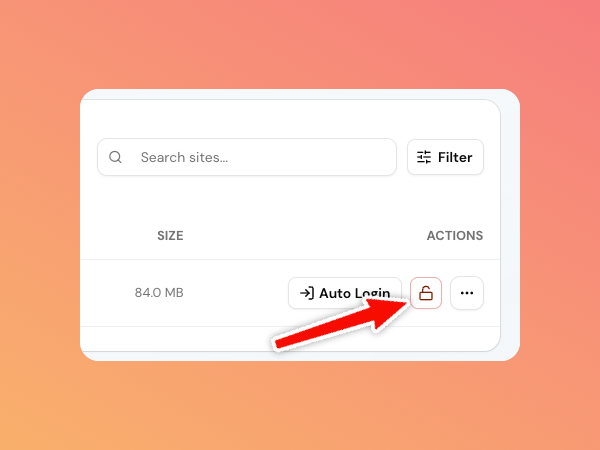
creating or ready.
Permanent sandboxes require a paid plan. Click the lock again, or select Make temporary, when you want the normal expiry behavior back.
After a sandbox expires
An expired sandbox moves to the Expired tab and is no longer running. You cannot use its tools or sign in while it is retained.
After retention ends, SandyWP permanently removes the container, database, files, and route. Save a Template before expiry when you need a reusable copy.