

Fastest route: the CLI
The CLI turns on access for the sandbox and handles a short-lived session credential for you.Use the dashboard
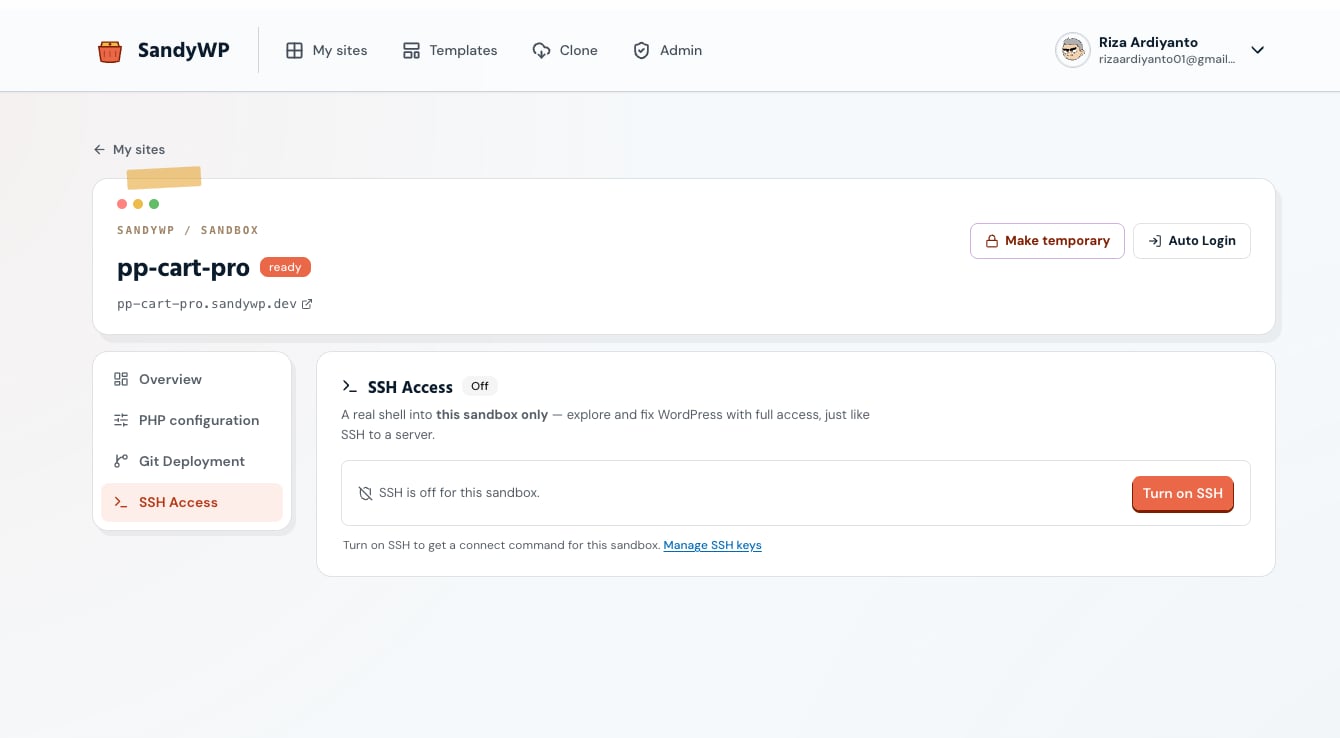
Open Site settings and select SSH Access, then turn access on for that sandbox. The panel provides the exact customer connection details, shows the host-key fingerprint for verification, and lets you manage account-level public keys. Only add public keys to SandyWP. Keep private keys private, revoke unused keys promptly, and turn SSH off when the sandbox no longer needs it.Limits and safety
SSH sessions have idle, duration, concurrency, and connection-rate limits. If a session ends, reconnect and make long-running work resilient to interruption.If the SSH panel says Not available, the service is not enabled for that sandbox’s region yet. The File Manager remains available for browser-based file work.